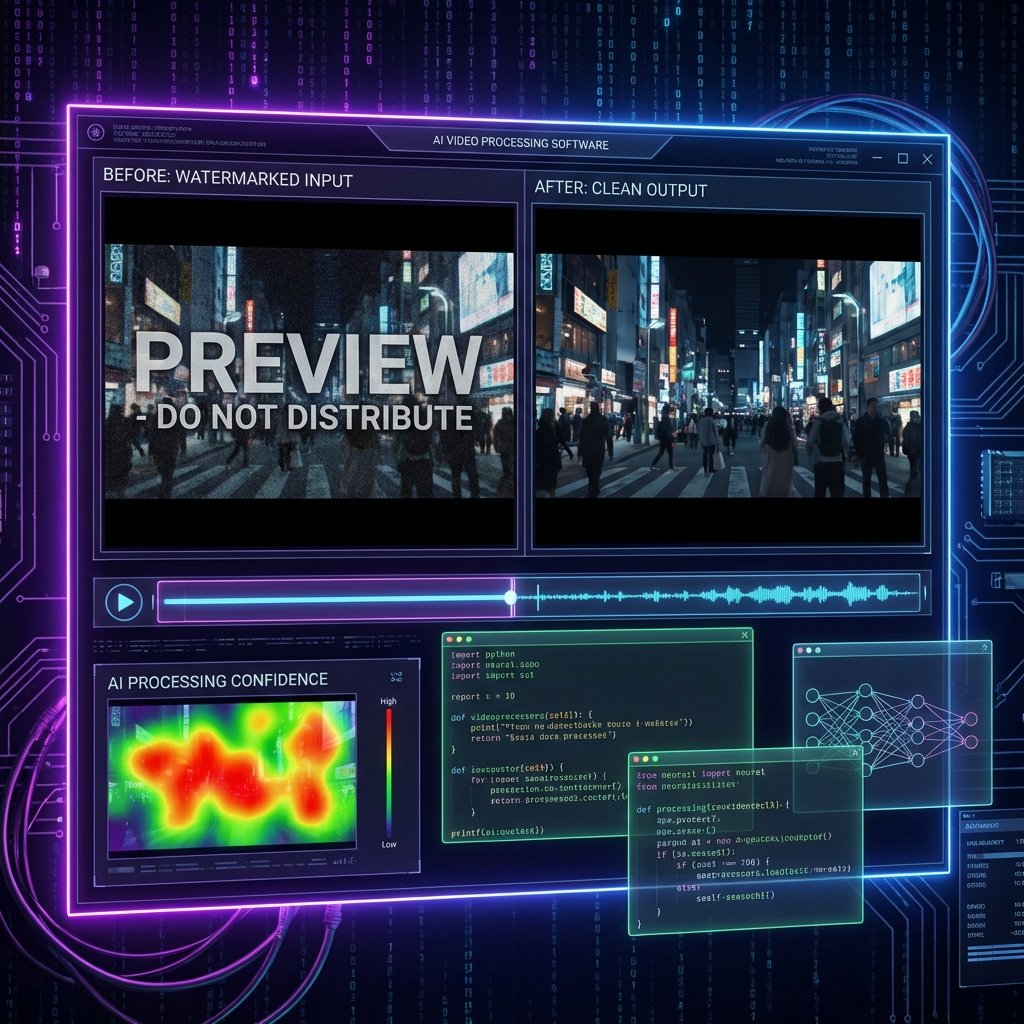
AI Video Watermark Remover
Python and OpenCV tool that removes unwanted logos and watermarks from videos using AI-powered inpainting technology.
About
🪄 AI Video Watermark Remover: Your Videos Are Now Spotless
Have unwanted logos, watermarks, or text overlays in your videos? AI Video Watermark Remover removes these elements using image processing and AI without distorting the background.
🎯 What Does It Do?
- 📺 Stock Video Watermarks: Remove watermarks from trial videos
- 📱 Screen Recordings: Clean up software logos
- 🎬 Archive Correction: Remove dates/logos from old recordings
- 📹 Professional Editing: Remove unwanted elements
⚡ How It Works?
4-stage intelligent processing pipeline:
- 1️⃣ Detection: User selects area or AI performs automatic logo detection
- 2️⃣ Analysis: Algorithm analyzes surrounding texture
- 3️⃣ Processing: Frame-by-frame inpainting is applied
- 4️⃣ Render: Cleaned video is exported in high quality
🧠 Algorithms Used
- Telea Inpainting: Fast and effective texture filling
- Navier-Stokes: Fluid dynamics-based filling for complex backgrounds
- Hybrid Approach: Combining both algorithms based on situation
- Motion Tracking: Tracking moving watermarks
🎬 Video Processing Features
- 🎞️ Frame-by-Frame: Processing each frame individually
- 📐 Resolution: Support from 480p to 4K
- 🎨 Format: MP4, AVI, MOV, MKV input/output
- ⚡ GPU Acceleration: CUDA-supported fast processing
- 📦 Batch Processing: Process multiple videos sequentially
💻 User Interface
- 🖱️ Drag-and-Drop: Easy video upload
- 🔲 Selection Tool: Draw area to be removed
- 👁️ Preview: See result before processing
- ⚙️ Settings: Quality and speed balancing
- 📊 Progress Bar: Track processing status
🔧 Technical Requirements
- Language: Python 3.8+
- Libraries: OpenCV, NumPy, FFmpeg
- GPU (Optional): NVIDIA CUDA support
- RAM: Minimum 8GB recommended
🚀 Use Cases
- 🎥 Video Editors: Post-production cleanup
- 📱 Content Creators: Preparing clean content
- 🏢 Companies: Editing archive materials
- 🔬 Researchers: Scientific video processing
Frequently Asked Questions
Which video formats does it support?
Is GPU required?
Can moving logos also be removed?
What is the maximum video resolution?
Related Products
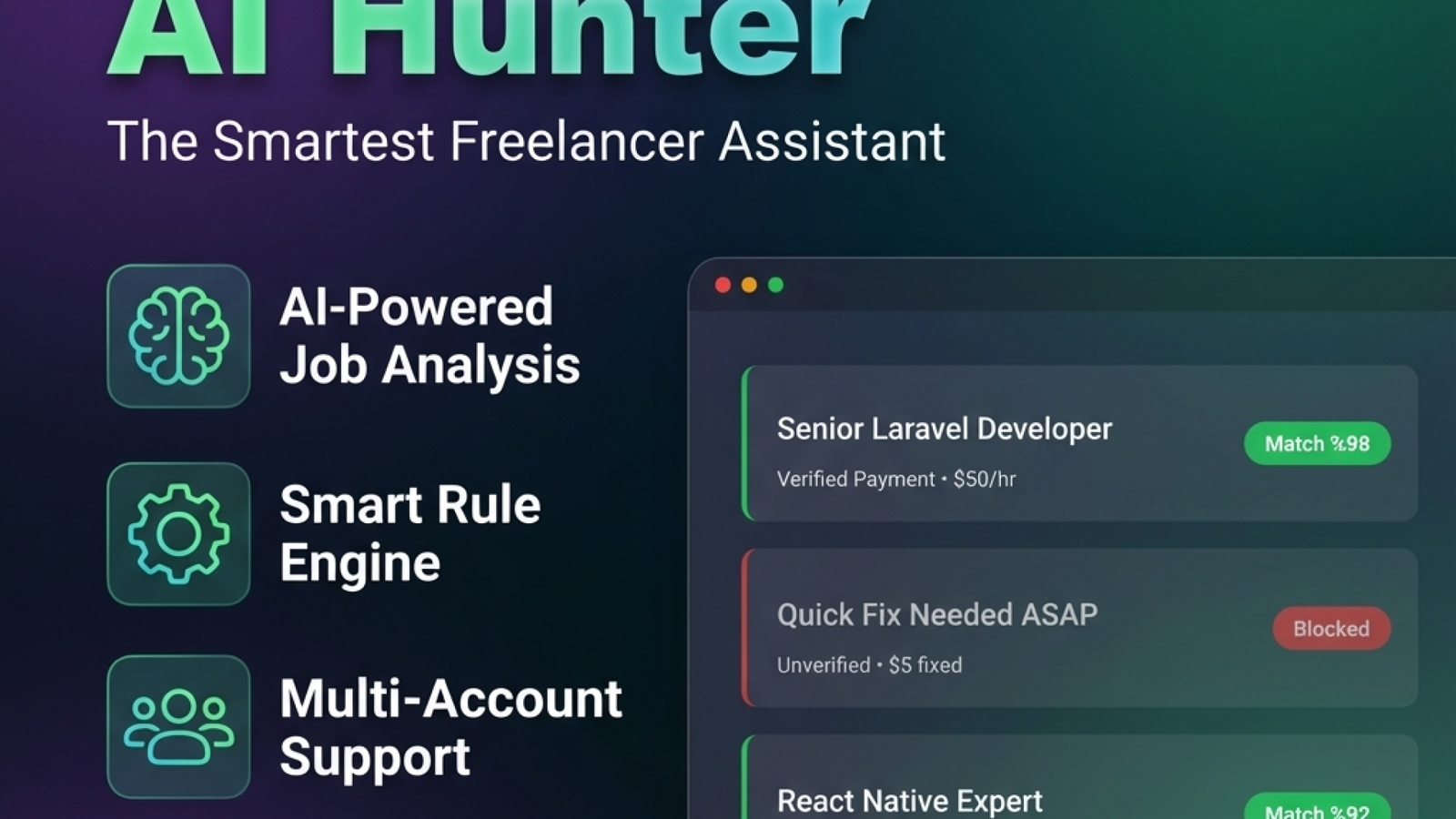
Upwork AI Hunter
The smartest Upwork assistant built for freelancers. Analyze every job with AI, filter with rule engine, assess risk before spending connects.

AI Pdf Cloud
Cloud-based tool optimizing your batch PDF printing processes. Drag-and-drop upload, smart queue management, and secure browser-based printing.
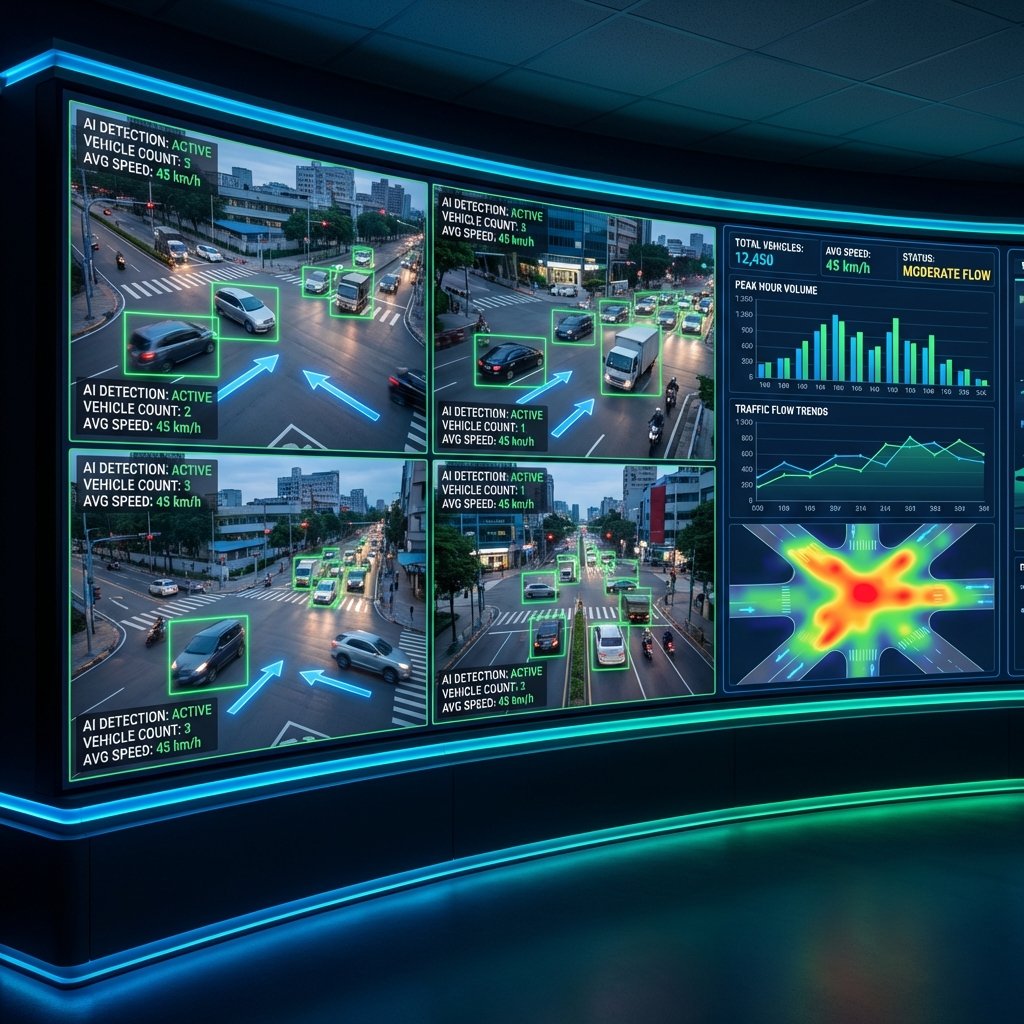
OpenCV Vehicle Detection and Counting System
CUDA supported image processing project. Vehicle detection, classification, and traffic density analysis with Python and C# hybrid architecture.